
How it works
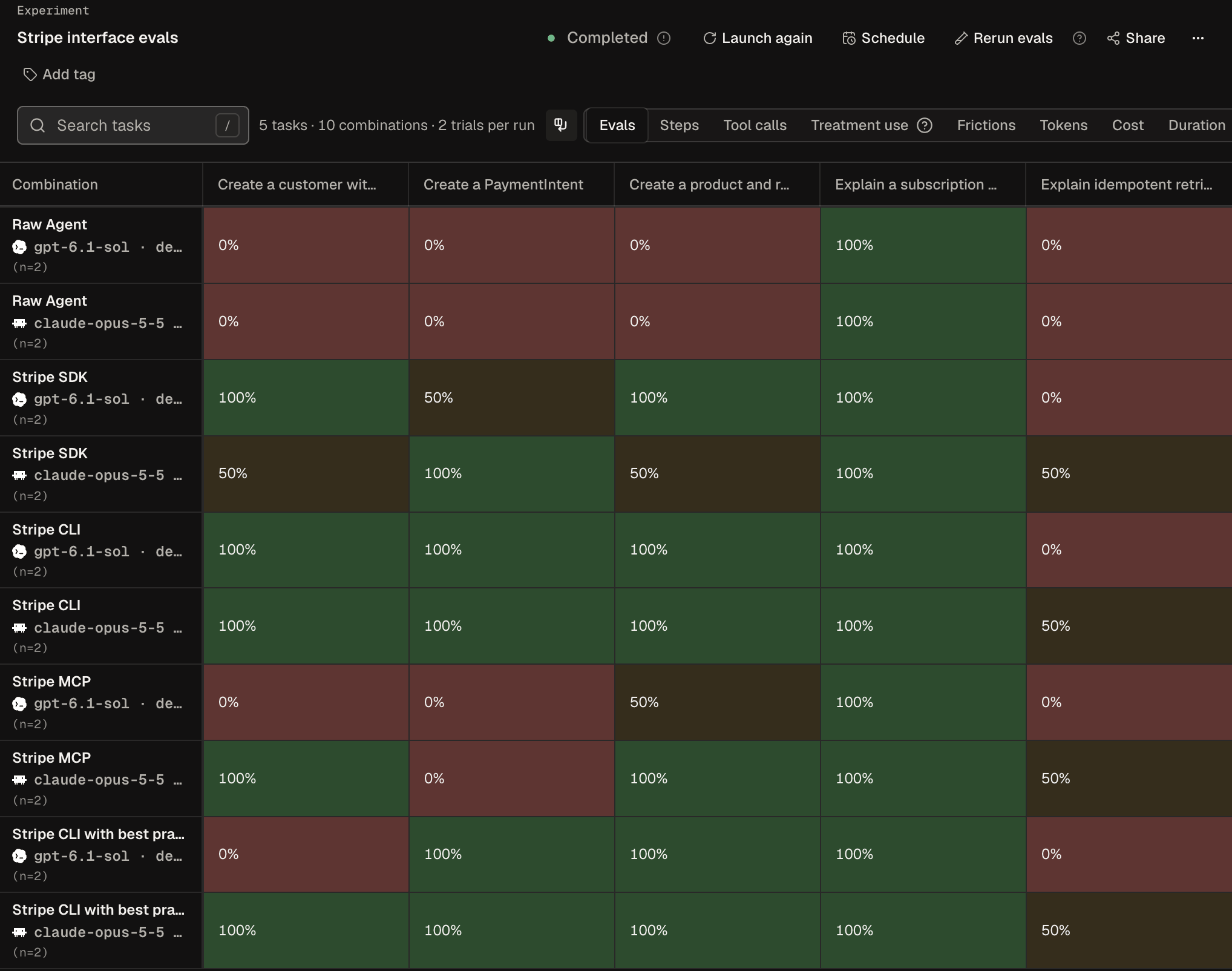
You write tasks, choose the tools to compare, and run an experiment. Then you read pass rates and cost on Matrix, check which differences are real on Comparisons, see where agents got stuck on Frictions, fix what you find, and run again. How Obss works explains each step. Here is a finished Matrix from the Stripe interface evals template. Each row is an agent and treatment, each column is a task, and each cell is a pass rate.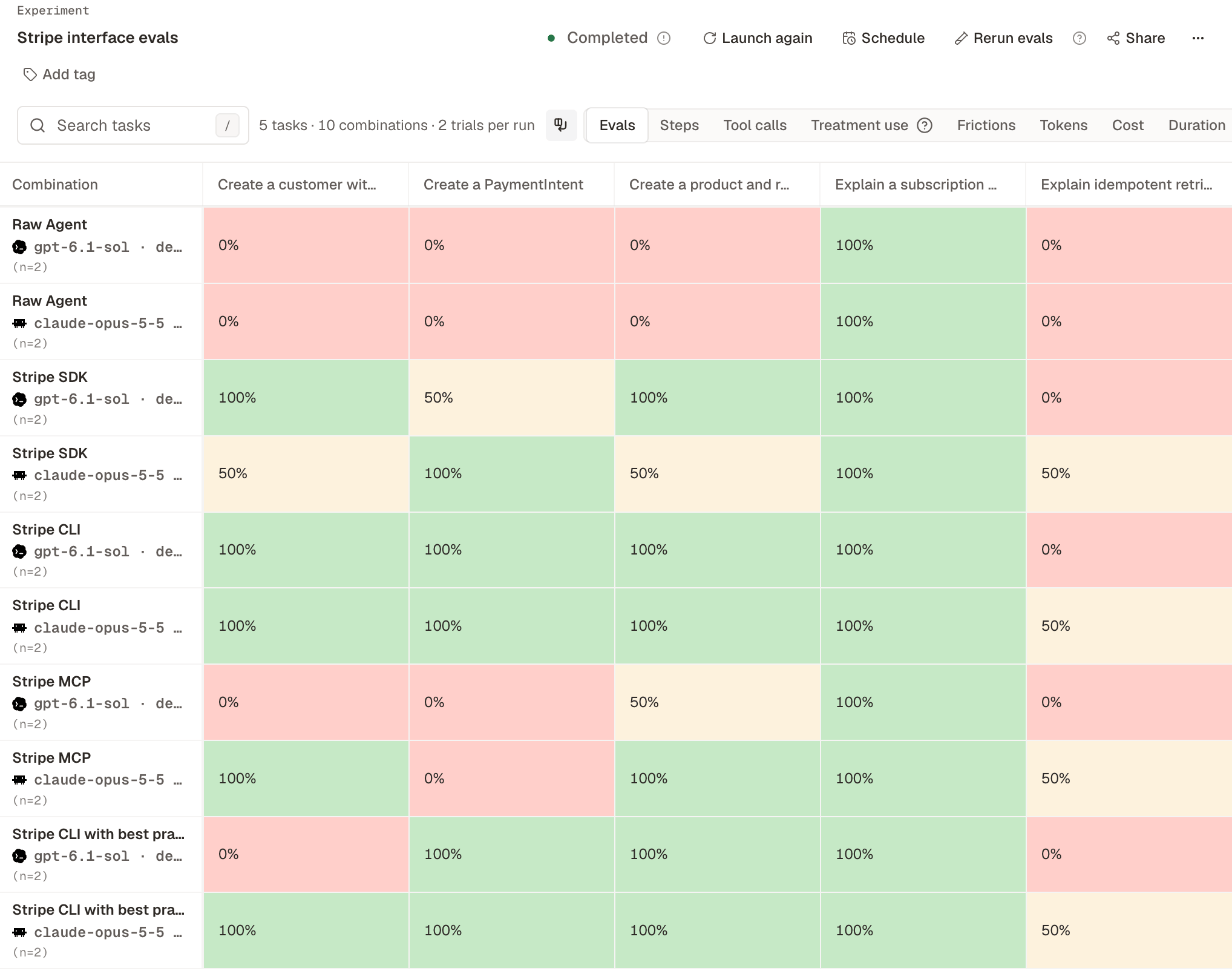
What you can do
Measure a tool's impact
Test whether a skill, MCP server, CLI, or SDK beats Raw Agent, which has no tools.
Compare agents and models
Run the same tasks across agents, models, and effort levels, and weigh pass rate against cost.
Track results over time
Run a fixed set of tasks on a schedule to catch regressions.
Find and fix frictions
See where agents get stuck, fix it in your product or setup, and measure again.
Ways to work with Obss
All four work on the same projects, so work you start in one shows up in the others.
Secrets, such as API keys and OAuth sign-ins, stay in the dashboard. When the CLI, the plugin, or Ask Obss needs one, it gives you a link to the dashboard page where you enter it.
Obss bills in runs. Every organization starts on a free plan that resets its runs each month, and no credit card is required. Your model providers bill model use separately, through your own keys or subscriptions. See Pricing for plans, and subscribe or top up from Organization settings → Usage & billing.