
frc_ ID and title. It counts each run once, however many times the agent hit it in that run.
Use the friction list
By default, the list puts the problems that stopped agents most often first. A friction that stopped agents in nine runs ranks above one that stopped them in one.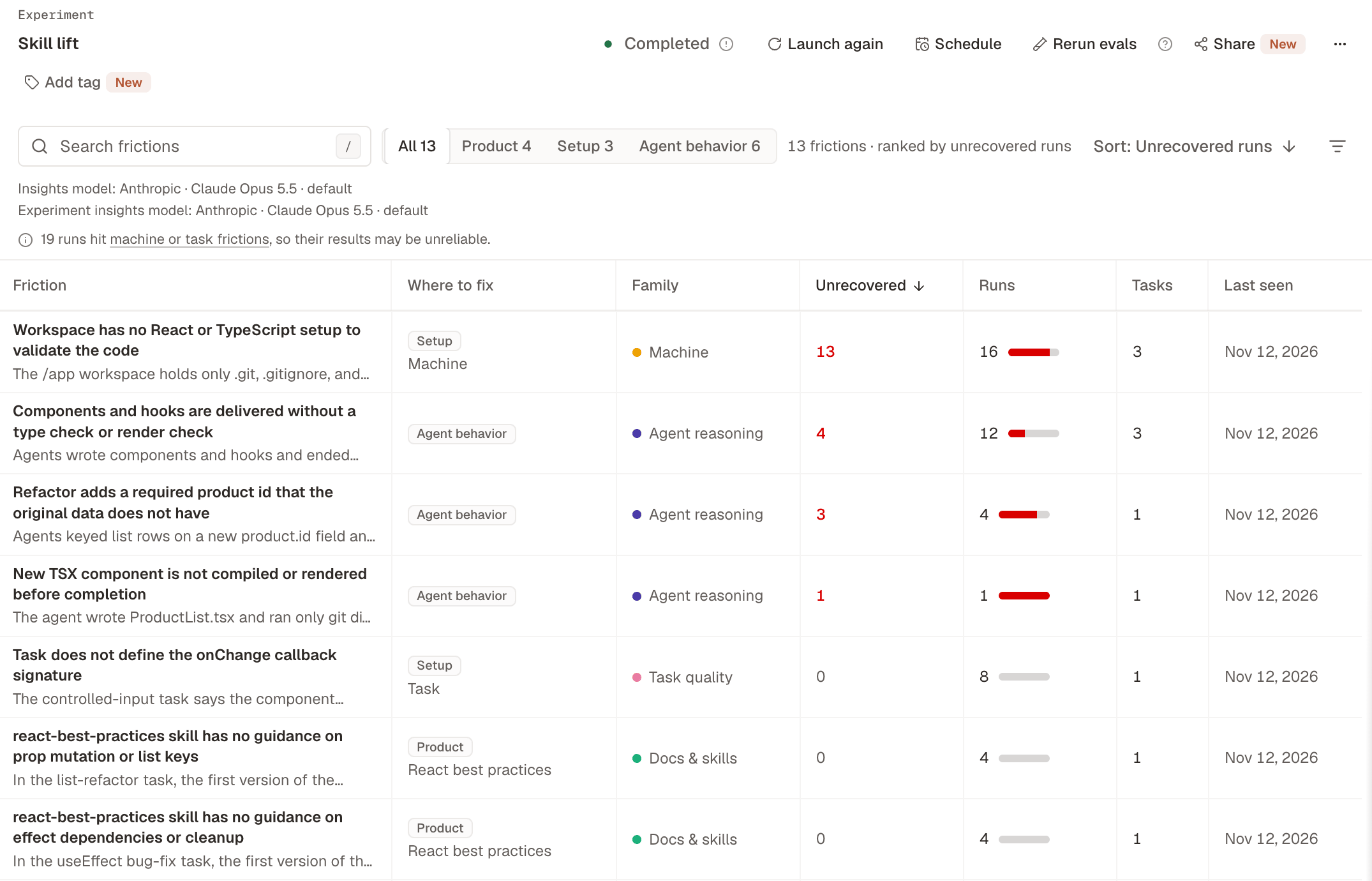
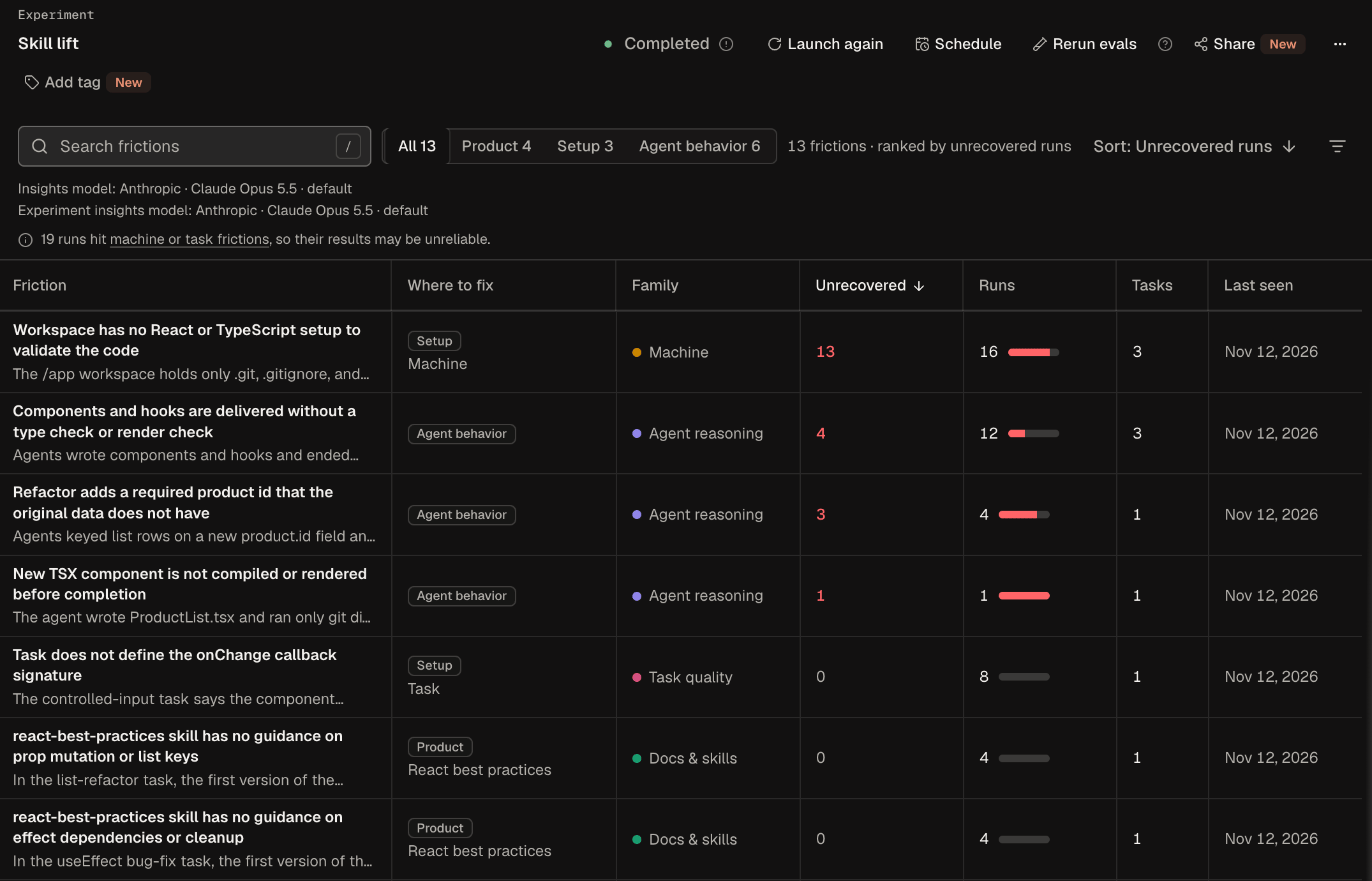
Custom agent appears when your custom agent has frictions in this scope. The default order puts the most unrecovered runs first, then the most runs, then the most recently seen.
The Where to fix column also shows the fix’s target: a tool, treatment, or agent by its current name, or API or docs, Task, or Machine. When one agent has a clearly higher rate, More often with names it under the summary.
To go from a friction to a confirmed fix, follow Find and fix frictions. Ask Obss can also summarize the top frictions and where to fix them.
Read a friction’s page
Open a friction to see what goes wrong and what to change.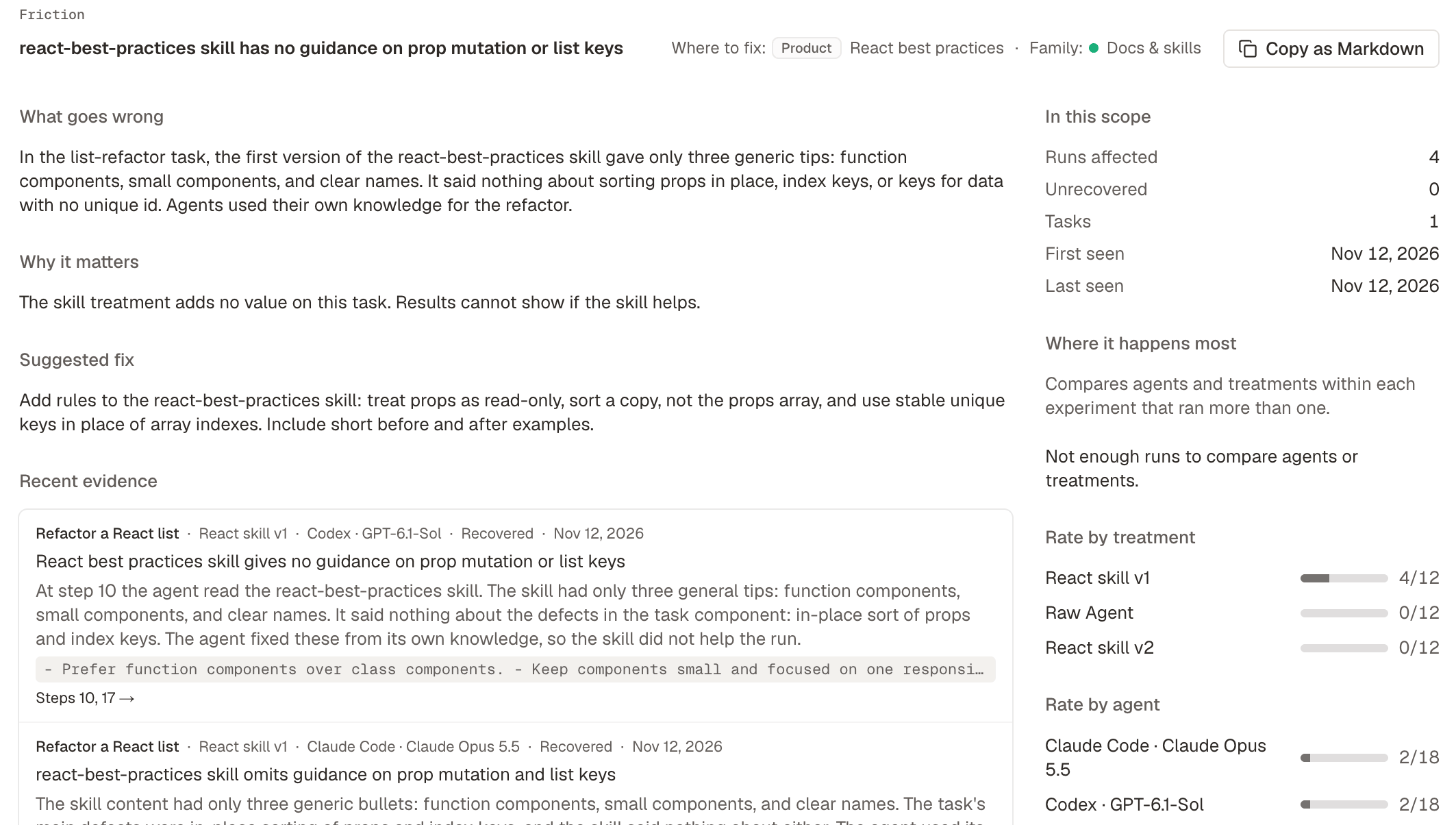
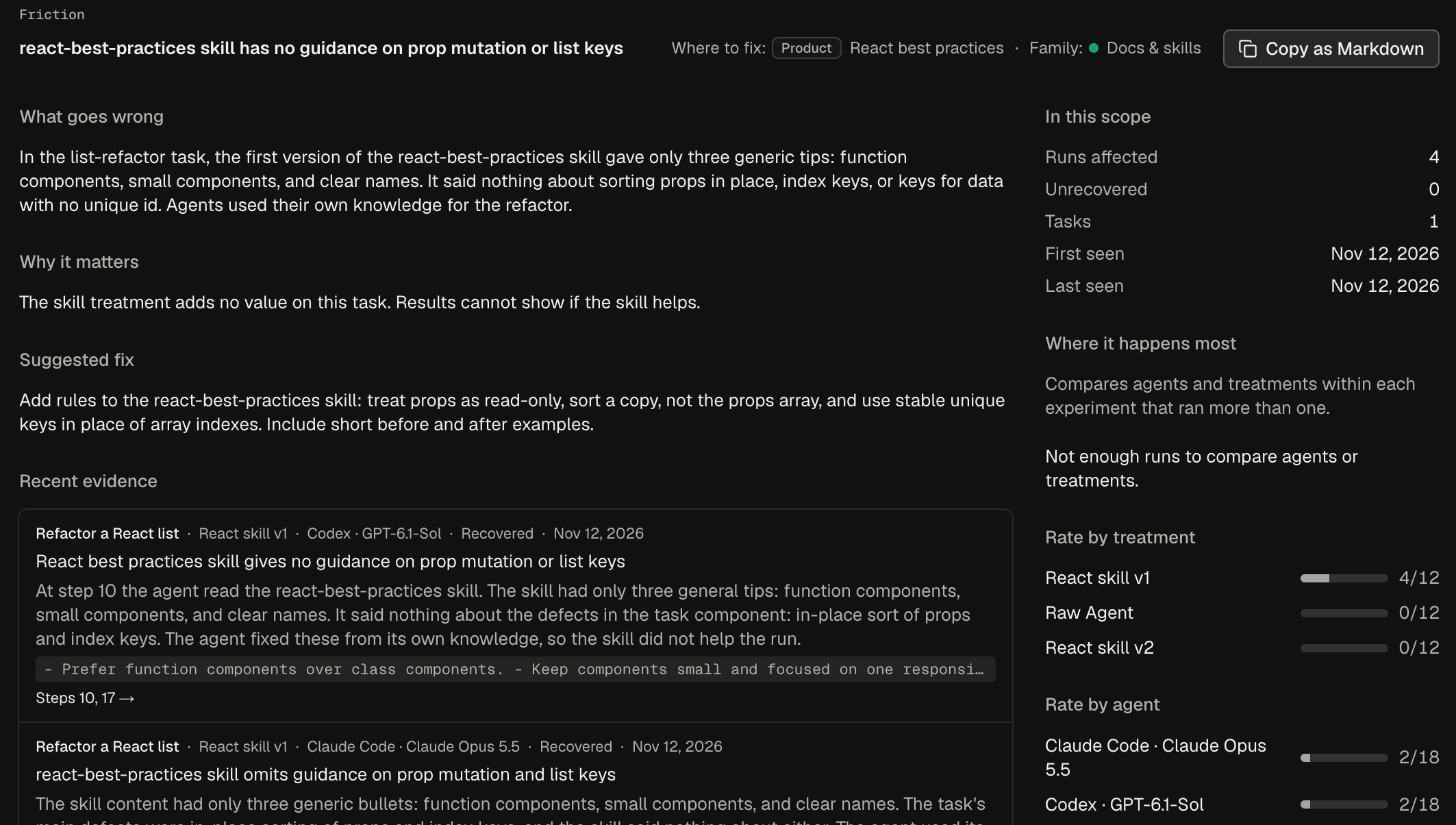
A few details:
- The suggested fix names a tool by its current name. For an Agent behavior friction, Suggested fix says “None”.
- For frictions from Insights, the rates count only runs that had Insights on.
- An evidence link opens Traces at the first cited step that the trace has. If the trace has none of the cited steps, the link says No specific step.
Copy as Markdown
Copy as Markdown copies the friction as Markdown for an issue: where to fix the friction, what goes wrong, the suggested fix, what the agent did, where it happens most, three recent runs, thefrc_ ID, and a link to the friction. Nothing is saved. Paste it into an issue, or give it to the AI assistant you use in your product’s or custom agent’s repository.
Where to fix
Each friction’s Suggested fix names one place that your team controls. Obss checks it against the run’s recorded work before it saves the fix.
Custom agent is named only when the friction’s runs are limited to that agent, or clearly more common with it. The CLI and the plugin use the keys in
--fix-in.
When the agent also contributed to a friction that the product or setup can fix, What the agent did follows the suggested fix. It is one sentence about what the agent did, not a change to make, and it never names the agent. Where it happens most names agents, with counts.
Where it happens most
A friction’s page compares its runs by agent and by treatment. It compares only inside an experiment that ran more than one agent or treatment, because those runs did the same tasks. It names one agent or treatment only when the difference is clear, and it states the finding with counts, for example “More often with Claude Code · Claude Opus 5.5: 12 of 312 runs. Other agents: 0 of 618 runs.” Otherwise, it says why it names no agent: for example, no single agent stands out, all runs or each experiment used one agent, or there are not enough runs to compare. The comparison doesn’t explain the cause.When it names an agent or treatment
When it names an agent or treatment
- That group has at least 5 runs with the friction and 30 runs in all.
- The other groups together have at least 30 runs.
- The group’s 95% confidence interval is above the interval of the other groups together, and above the interval of each other group with 30 runs.
Family
Each friction has one family, which names its cause. It shows as a colored label, and you can filter by it. The CLI and the plugin use the family keys.
Where to fix and Family are separate filters. For example, a Docs & skills friction in your skill shows Product under Where to fix.
Machine and task frictions
Machine and Task quality frictions come from the experiment’s own machine or task, not from the product you’re measuring, so they can make results unreliable. Check them before you trust the results. When the list has them, a notice says how many runs they affected. Select machine or task frictions in the notice to show only those.Recovery
Each run of a friction records whether the agent got past it:Friction lists
Every friction list works the same way and counts the runs in its scope and filters:- Analyze → All frictions counts every run in the project.
- An experiment’s Frictions tab counts that experiment’s runs. A task’s Frictions tab inside an experiment (next to Results) counts that task version’s runs in the experiment.
- The Frictions tab on a task, tool, treatment, machine, file, or agent counts the runs that used it in every experiment, the same runs as its Runs tab. A task counts the version the page shows, a tool counts every version, and an agent counts every model.
- A schedule’s Frictions tab counts the runs of the experiments it launched.
- A friction’s page counts the project’s runs, or the experiment’s runs when you open it inside an experiment.
Frictions in a run’s trace
On Traces, each friction shows at the first step it cites. A friction that cites no step shows above the Timeline, marked No specific step. After Obss groups a friction, its name opens its page. See Run details.Frictions on public links
A public experiment link shows the same frictions and Where to fix labels, with Where it happens most counted over the published runs only. It doesn’t show the suggested fix or what the agent did. Like the friction list, it leaves out runs stopped by an Obss error and says how many there are. A link published before Obss began leaving these runs out still lists them. New results, and this change, reach a public page only when you publish an update.How frictions are found
Frictions come from two places:- From Insights: Insights report the problems in each run. When they finish for an experiment, the Experiment insights model matches each problem to an existing friction or names a new one, and the friction gets its Where to fix value.
- From runs that fail before the agent answers: each cause has one friction in the project, for example a provider refusal, a failed machine setup or CLI post-install command, the agent’s own software, or a custom agent’s failed step. These frictions show even when Insights are off. A custom agent’s failed step is Custom agent, and a provider refusal, a failed setup command, or a built-in agent’s failed install is Setup.
- A run stopped by an Obss error, when the run environment failed or Obss couldn’t find the cause. Only a new run fixes it. Friction lists leave these runs out and say how many there are, and the run page shows the error.
- A run that Evals or Insights failed to read. Run them again for that run.
From the CLI and the plugin
The CLI and the plugin read the same frictions, with the same scopes and filters as the dashboard. A scope names the records whose runs to count, such as an experiment, a task version, a tool, or an agent.
For example, list the frictions to fix in your product that agents never got past: