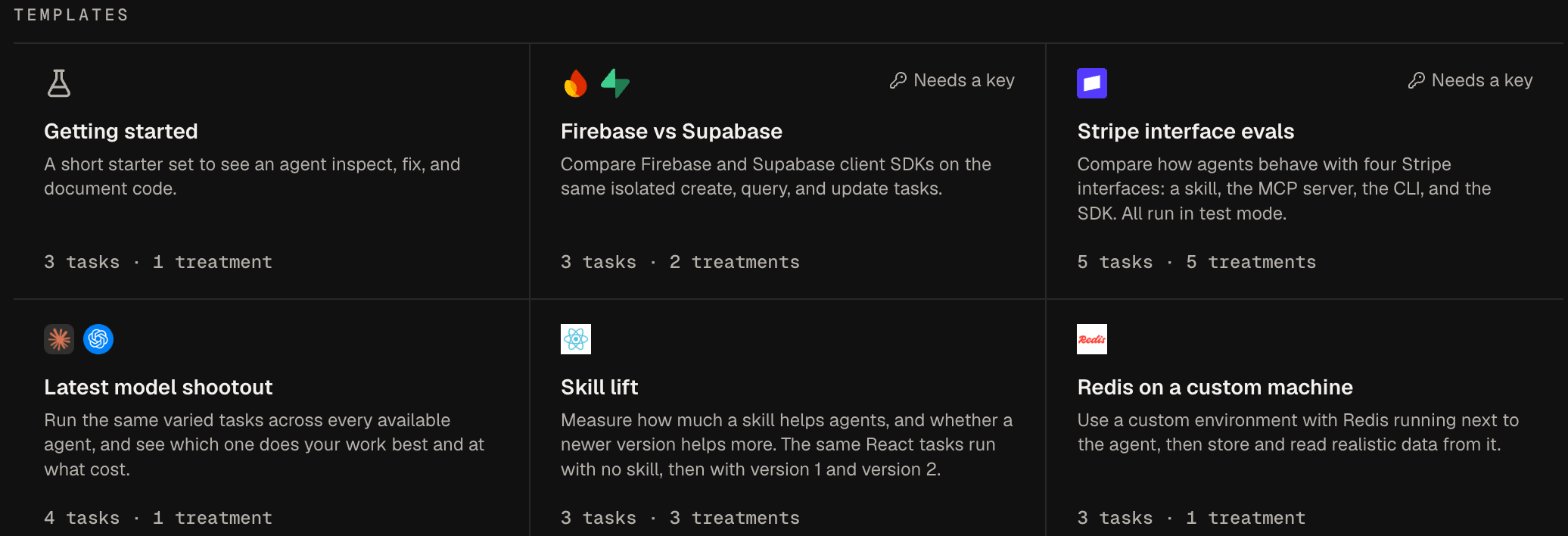
A template adds ready-made tasks, treatments, tools, and a machine to your project, so you can launch your first comparison in minutes. To start from scratch instead, select New experiment in the sidebar.

Start from a template

1

Open Home

The Templates section on your project’s Home page lists each template with its task and treatment counts. After your project runs its first experiment, the section starts collapsed. Select Templates to open it.
2

Select a template

Select a card. Obss adds the template’s tasks, treatments, and tools to your project and opens New experiment.
3

Review the experiment

Check the tasks, agents, treatments, and trials, and change any of them.
4

Launch

Select Launch.
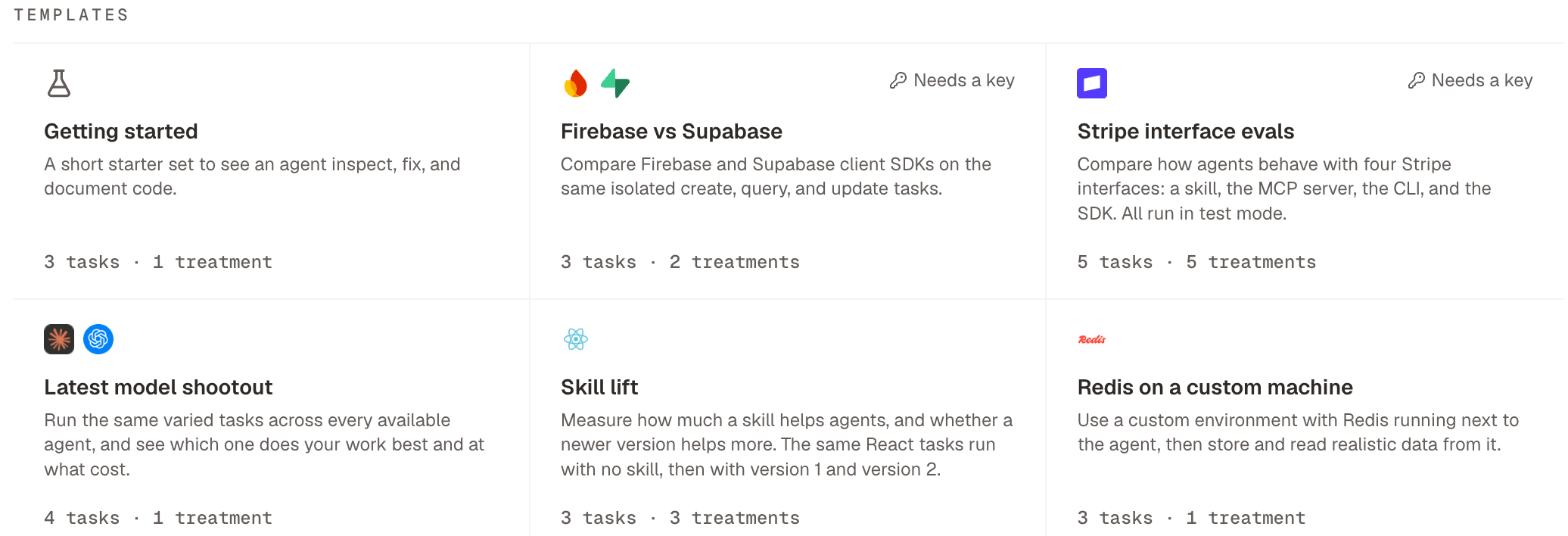
A card marked Needs a key has a tool or machine that needs a value, such as an API key, before a run can use it. After you select it, follow the notice on Home to add the value.
Home Templates section with cards for each template, their task and treatment counts, and a Needs a key label.Home Templates section with cards for each template, their task and treatment counts, and a Needs a key label.

Available templates

Firebase vs Supabase and Stripe interface evals need your own keys for those services.

Edit what a template creates

A template creates ordinary tasks, treatments, and tools. You can edit them, launch them again, and use them in other experiments like anything you built yourself. They follow the same rules: files and machines attach to tasks, tools attach to treatments, and you choose agents at launch (Where files, machines, and tools attach).

Next steps