
What counts as a run
A run is one agent’s attempt at one task with one treatment. An experiment launches a run for every combination of its inputs:What runs pay for
Runs pay for running your experiments on Obss, including the cloud machines. Model use isn’t included. Agents and Obss AI features use your own keys or subscriptions, and your model providers bill that use directly. Obss can limit use to keep capacity fair for all organizations.Free plan, subscriptions, and top-ups
Every organization starts on the free plan, which resets its runs each month and needs no credit card.
Every plan includes every feature, the dashboard, the CLI, and the plugin, with unlimited free members and unlimited projects, experiments, tasks, treatments, and tools.
Check your run balance
- Dashboard
- CLI
- Plugin (MCP)
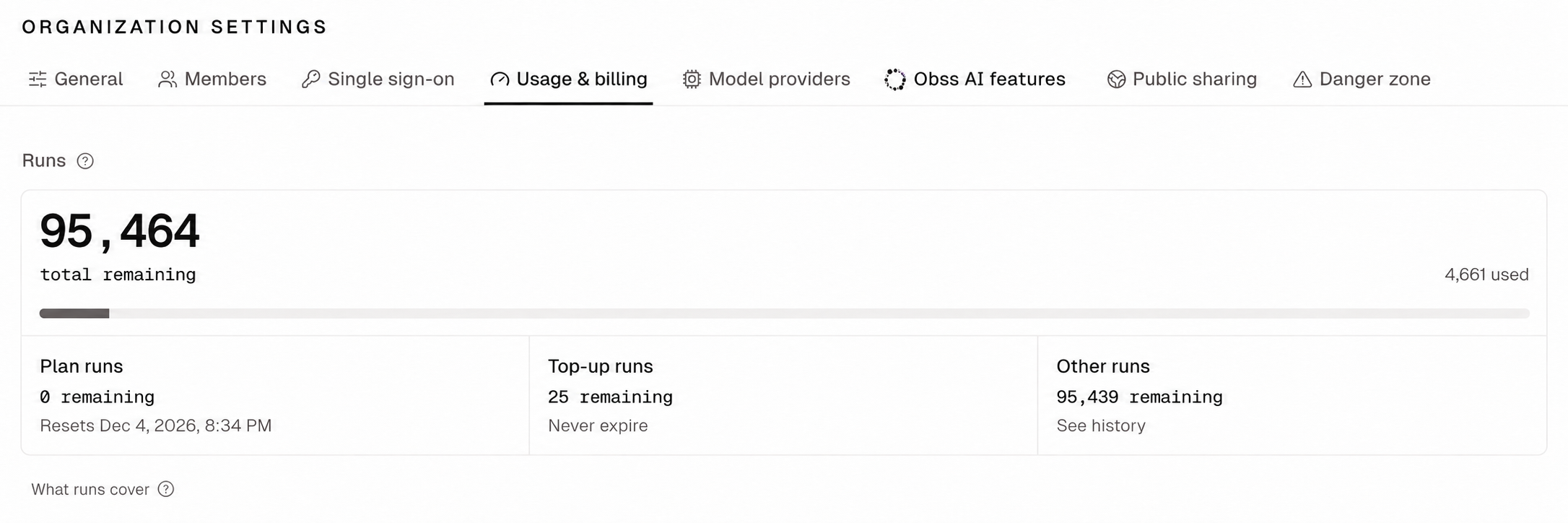
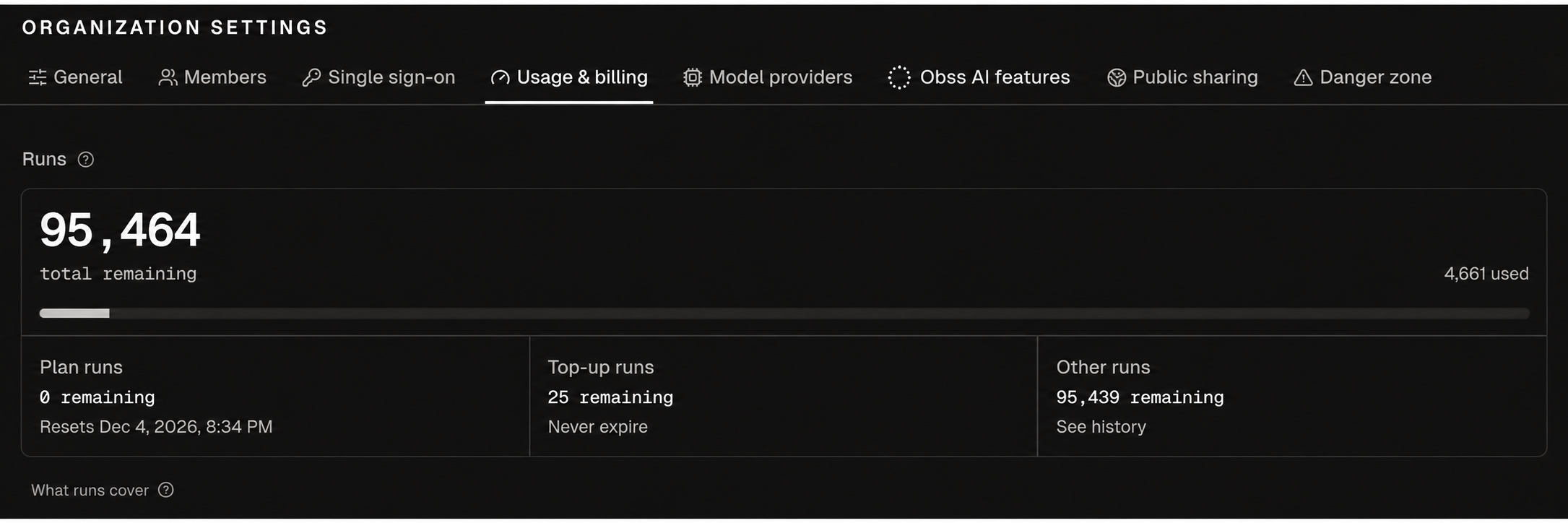
Open Organization settings → Usage & billing. New experiment also shows how many runs a launch uses.
Get more runs
You buy runs and change plans only in the dashboard, because Stripe handles checkout.obss quota inspect returns the Usage & billing link (billingUrl), but the plugin’s quota tools return no billing link.
- Open Organization settings → Usage & billing, or start from Pricing.
- Choose a plan under Your plan for more monthly runs at a lower price per run, or an amount under Top up for runs that never expire.
- Complete checkout in Stripe.