
What a task holds
The task’s Runs tab lists the runs of that task version in every experiment, and its Experiments and Frictions tabs list those runs’ experiments and frictions.
Set up files and machines in Machines and files. Tools attach to a treatment, not a task, and you choose agents at launch.
Create a task
- Dashboard
- CLI
- Plugin (MCP)
- Open Manage → Tasks and select New task.
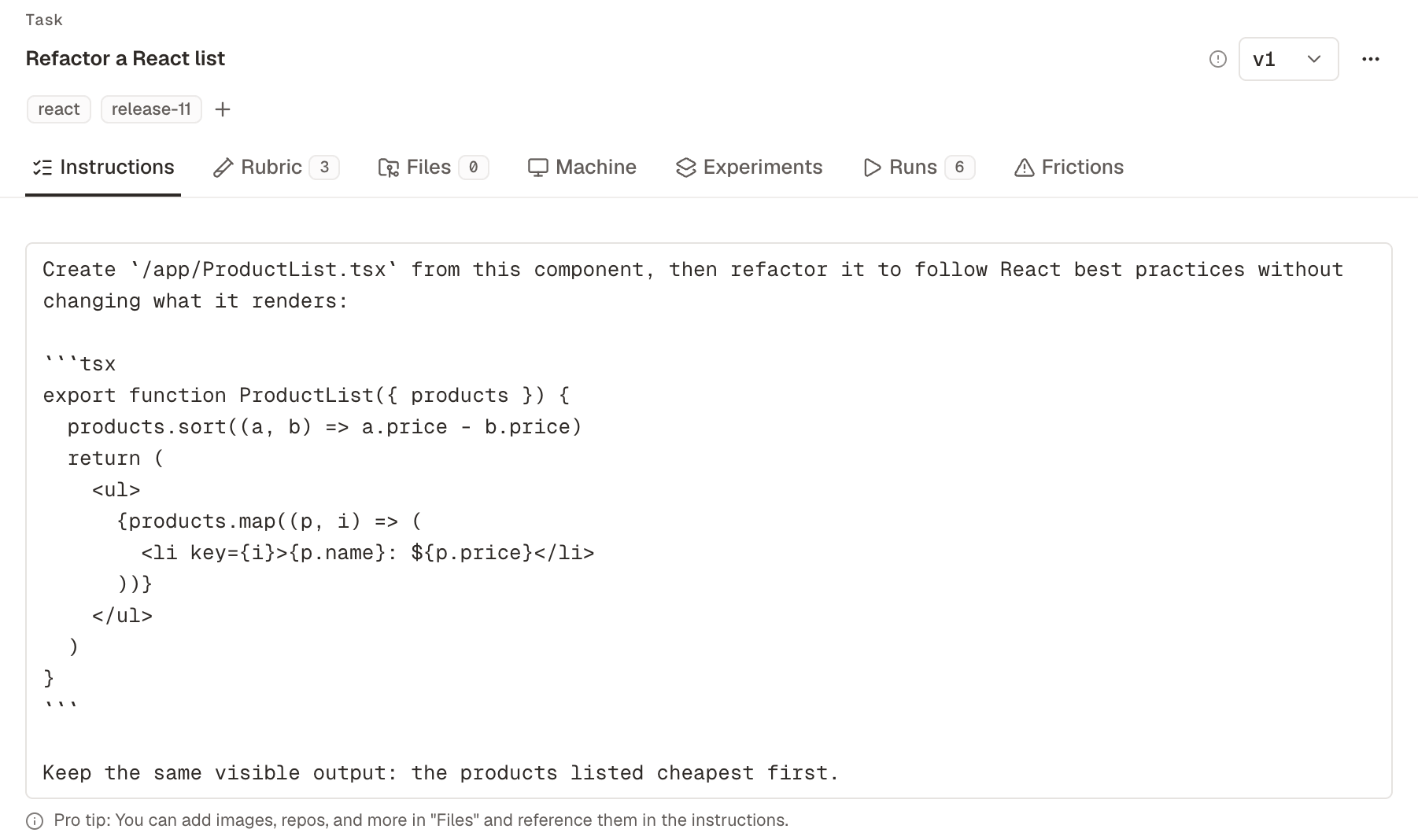
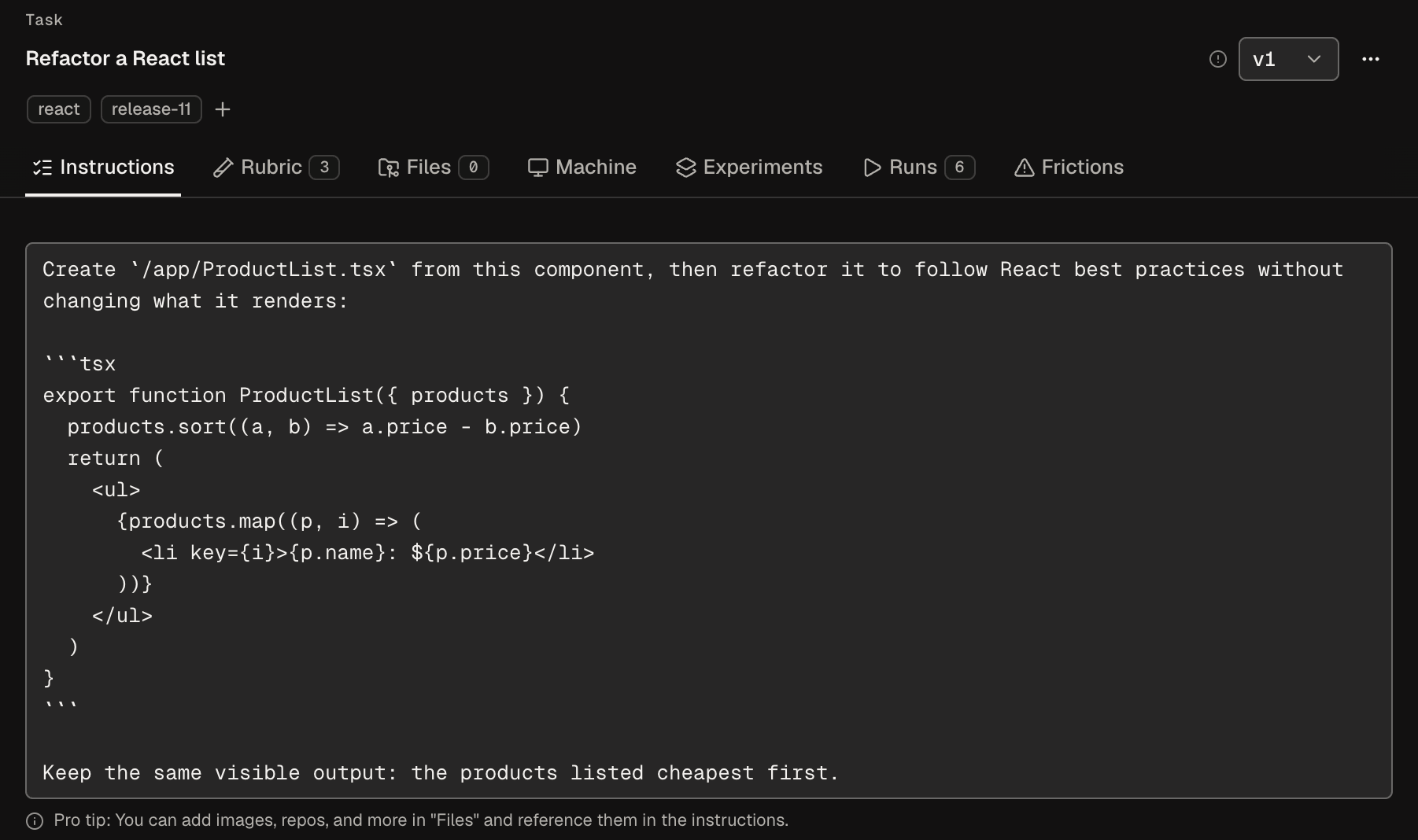
- Enter a Task name and the Instructions.
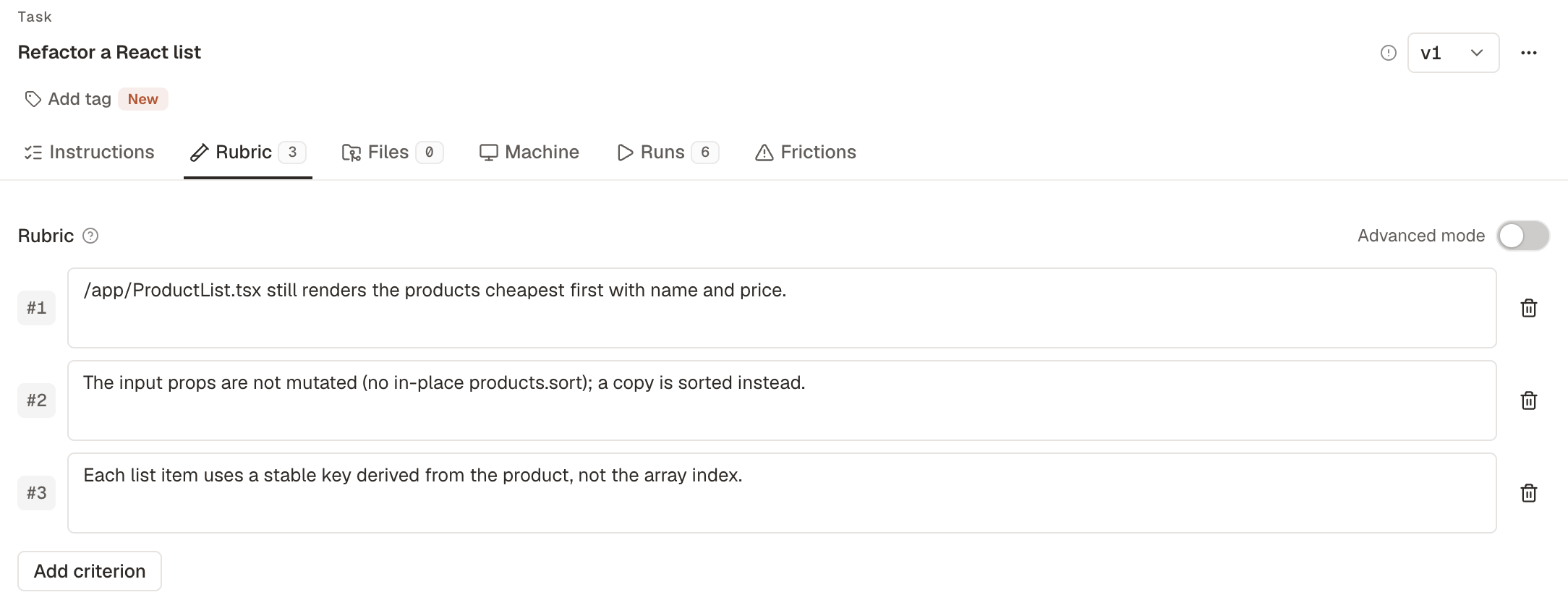
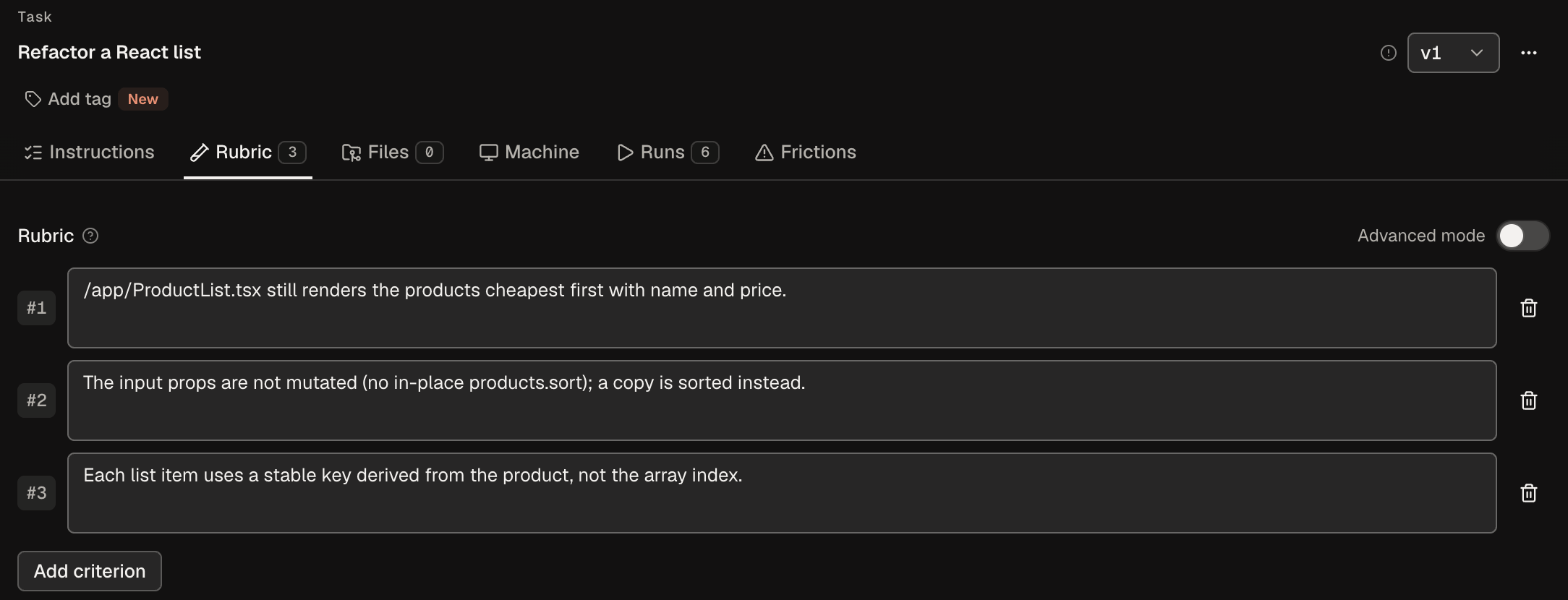
- Add criteria under Rubric.
- Attach folders on Files, and choose a machine on Machine or keep the project default.
- Select Create task.
Write the instructions
Brief the agent as you would a capable engineer who is new to your product: the goal, the output you expect, and the limits. Vague tasks are hard to score, so be specific: “Refactor the auth module sorequire() calls are deterministic, without changing the public API.”
Refer to attached folders by their path relative to the working directory, for example “Fix the app in helpdesk-web/.”
Write the rubric
A rubric is a list of criteria, one outcome per row, and Add criterion adds the next row. Write each criterion so a judge can decide it for a single run:- “Returns the five prices in page order” checks the output.
- “Calls the batch endpoint once instead of one request per page” checks a step.
Draft a rubric with Ask Obss or your AI assistant
Ask Obss or your AI assistant can draft the criteria for you. Tell it what “done” means, and it saves the rubric to the task. Review the rubric before you launch.- Dashboard
- CLI
- Plugin (MCP)
Open Ask Obss and ask it to draft the rubric:
Task versions
Each saved change to a task or its rubric makes a new version. Older versions can’t change, and every run stays tied to the version that produced it.Rerun evals or launch a new experiment
Import tasks
To add many tasks at once, import a ZIP file.- Dashboard
- CLI
- Plugin (MCP)
- Open Manage → Tasks.
- In More task actions, select Download template for the ZIP format.
- In More task actions, select Import tasks and drop your ZIP file.