
Prerequisites
- Connect a model provider under Organization settings → Model providers, or connect OpenAI (ChatGPT Subscription) or Nous Portal under Profile → Integrations.
- Assign a model to Ask Obss under Organization settings → Obss AI features.
- When Ask Obss asks, select Connect and allow access to your projects. You connect once per organization, and Ask Obss stays connected until you disconnect it.
Ask Obss can’t use your personal Claude Subscription from Profile → Integrations. Claude models through an Anthropic API key or a gateway work.
Open Ask Obss
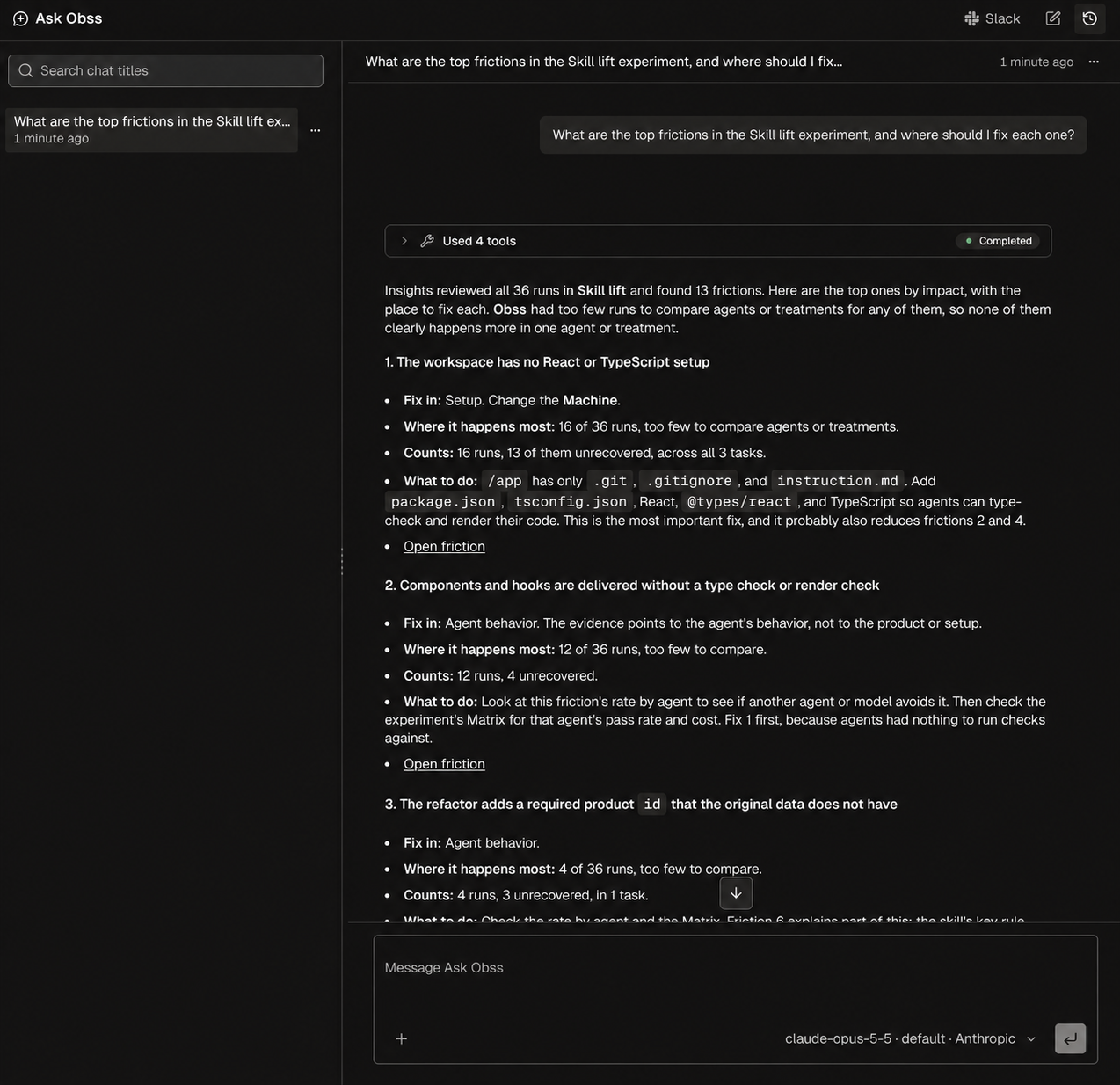
Open Ask Obss from Ask Obss in the sidebar (full page) or in any page’s header, from the Ask prompt on the project Home page, or in Slack. It works on the project you have selected. Here, Ask Obss lists the top frictions in the Skill lift experiment and where to fix each one, with its tool calls folded into one card above the answer: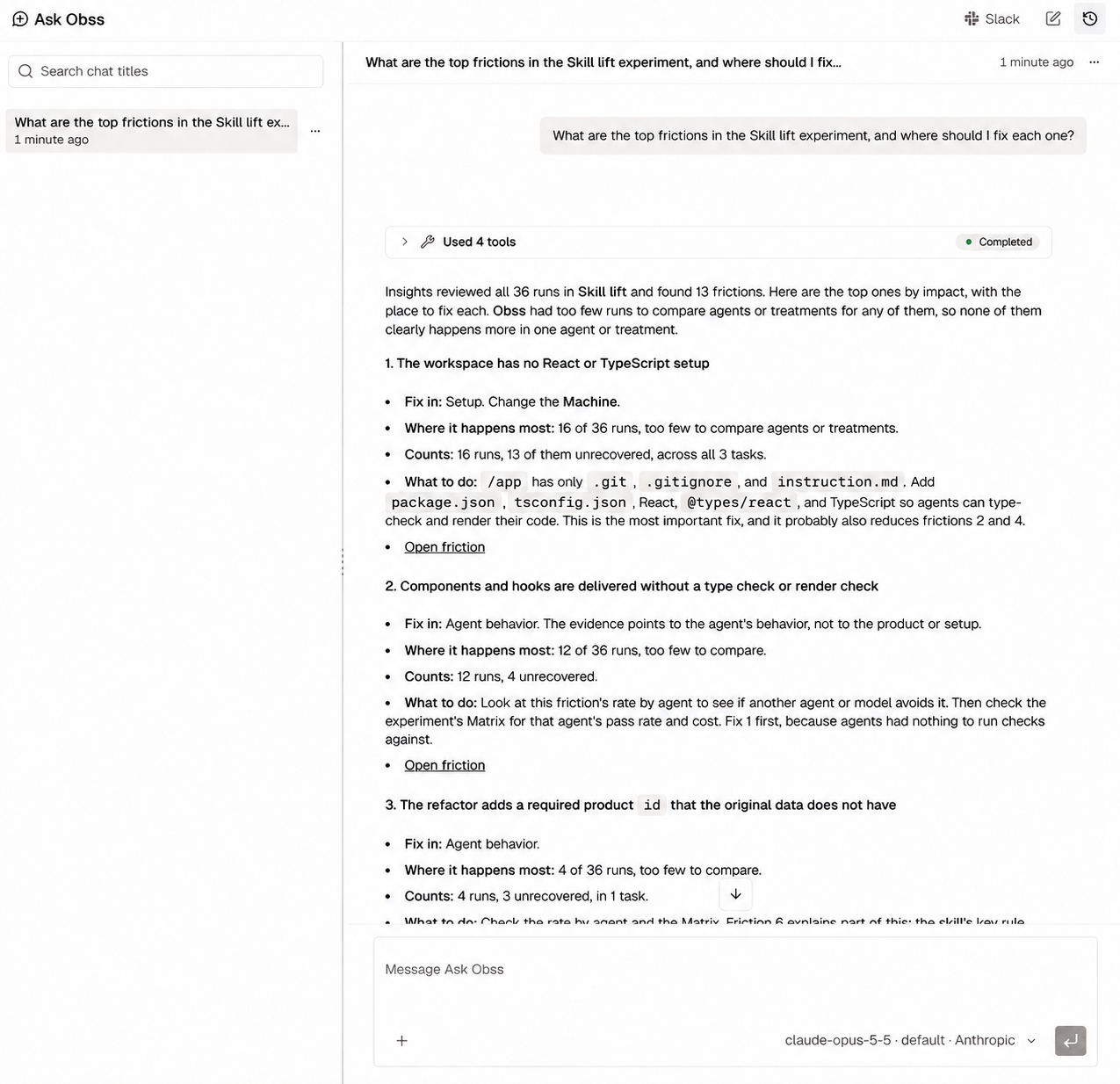
What Ask Obss can do
- Explain the Matrix, the friction list, or one run
- Find where agents got stuck and what to change next
- Draft tasks and rubrics, launch small experiments, and read the results
- Read public GitHub repositories and these docs
- Launch or relaunch an experiment, including Launch now on a schedule
- Create, change, pause, or resume a schedule
- Run Evals or Insights
- Test a custom agent
- Publish an experiment, or change its public link
While Ask Obss works
- Status line: the line at the end of the chat shows what Ask Obss is doing: Thinking, the tools it calls, or Summarizing earlier messages in a long chat. After a few seconds, it also shows how long Ask Obss has worked. It stays until the answer is complete.
- Tool cards: tool calls in a row fold into one card, such as Used 3 tools. Open it to see each call’s input, result, and status (Running, Completed, or Error). A card that needs your approval opens by itself.
- Notes and pauses: some Claude models write short notes between tool calls, which Ask Obss shows while the tools run. With Claude Opus 5.5 and Sonnet 5.5, the answer after a tool call can arrive all at once after a pause. The status line shows that Ask Obss is still working.
- Add to a reply: you can type while Ask Obss works. Stop becomes Send, and Ask Obss uses your message in the reply it’s writing. To stop instead, clear the box and select Stop.
- Ended requests: if a request that waits for you ends before you answer, its card says how, such as Withdrawn, Stopped, or Expired.
Read GitHub
Ask Obss can read files, commits, releases, issues, pull requests, and GitHub Actions runs in public repositories. Use it to see what changed in a tool between two experiments, or to compare a friction with the code and open issues. It uses the GitHub connection on Profile → Integrations, the same one that runs GitHub Copilot. If you haven’t connected GitHub, Ask Obss shows Sign in with GitHub in the chat and continues your request after you sign in. In an editor that runsobss acp ask-obss, the editor opens the same sign-in page.
- Access is read-only and limited to public repositories. Ask Obss doesn’t create, change, or comment on anything.
- To stop access, disconnect GitHub on Profile → Integrations. This also turns off the GitHub Copilot agent for you.
Chat history
Ask Obss keeps a chat history for each project. Select Chat history to find, rename, or delete a chat.- When you close the panel, your open chat and unsent message stay.
- If a message isn’t sent, Ask Obss shows Not sent and puts your message back in the box, so you can send it again.
- If the connection drops, for example after your computer sleeps, select Reconnect. Ask Obss also reconnects when your network comes back.
- A chat ends 30 days after it starts, but you can still read it. To continue, select Start a new chat, and your unsent message moves to it.
Disconnect Ask Obss
Disconnecting stops Ask Obss from reading or changing your projects in this organization until you connect it again on the Ask Obss page. Obss keeps your chats, and your Slack accounts stay linked. In Slack, Ask Obss asks you to connect it again.- Dashboard
- CLI
- Plugin (MCP)
- Open Profile → Integrations.
- On the Ask Obss row, choose Disconnect.
- Confirm with Disconnect.
Use Ask Obss outside the dashboard
- In Slack: ask in direct messages or by mentioning @Obss in a channel, with your own account and a default project you choose.
- In your editor: Zed, JetBrains IDEs, and other Agent Client Protocol (ACP) editors can run Ask Obss in your editor through
obss acp ask-obss. These chats also show in your Ask Obss history. - In experiments: run Ask Obss as a custom agent to measure how well it answers questions about your projects.